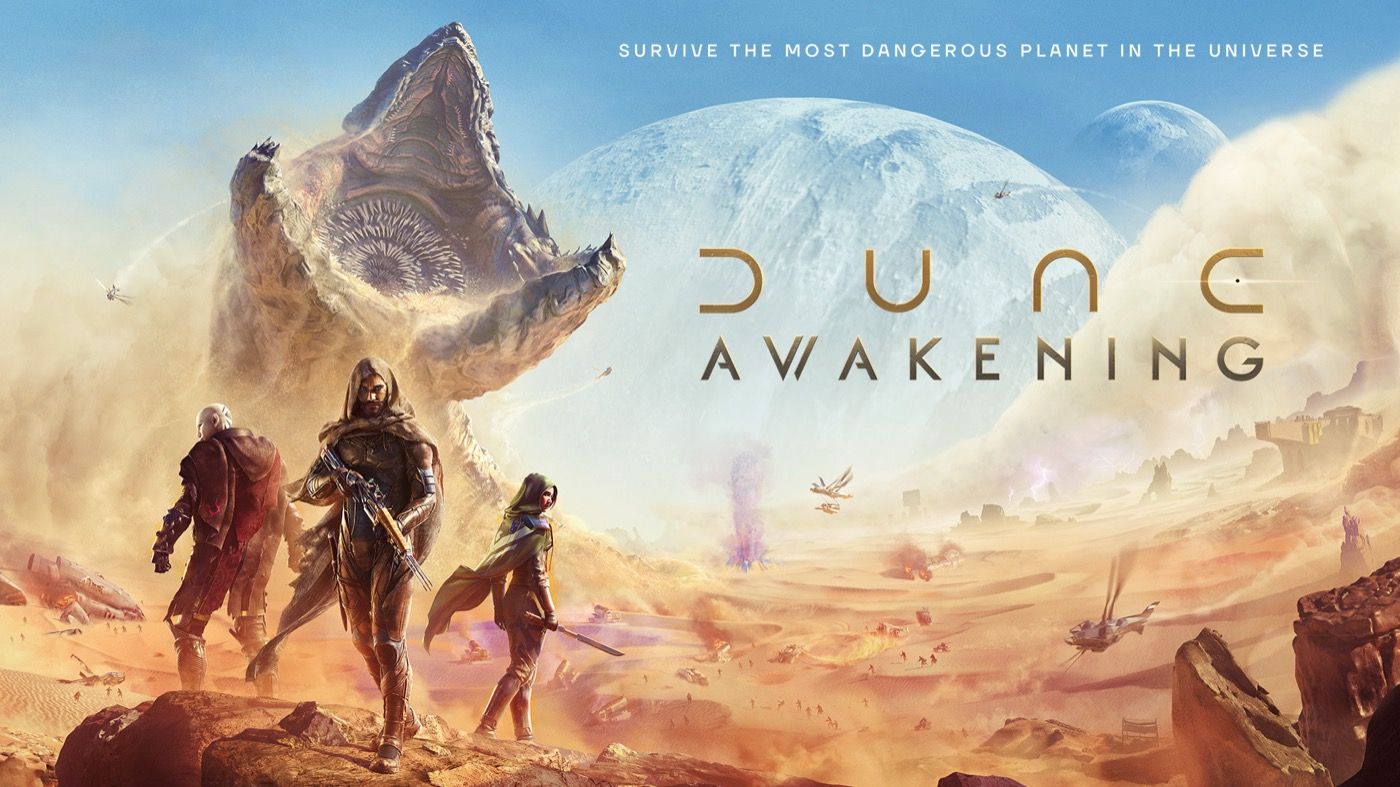
Dune: Awakening
Dune: Awakening
Use the official Arrakis community for Funcom source context, survival questions, guild planning, and player-led trade or resource discussion.
SurvivalMMOPC
Invite checked Guild matched on Jul 22, 2026

Mojang Studios
MINECRAFT
The Minecraft Discord Server listed here is the official community invite linked by Minecraft.net. Use it for build and edition discussion with dated source and guild verification.
Invite checked Jul 22, 2026, 9:00 AM UTC. Invite status is a dated snapshot, not real-time.
What you will find
Use the Mojang-linked community for Minecraft news context, build feedback, edition questions, and broad conversation beyond any single multiplayer world.
Verification record
Minecraft.net links to discord.gg/minecraft in its official social navigation.
Inspect first-party sourceThe invite was found on www.minecraft.net, the domain linked as this game's official site.
The invite resolved to guild 302094807046684672, matching the stored identity.
This page was rebuilt from the checked evidence. It does not claim real-time status.
Official community guide
The Minecraft Discord Server above is the official community destination linked by Mojang Studios. Use the verified invite to open Discord, confirm the guild name, and join. This page records when the source and guild were checked; it does not claim that a third-party invite is available in real time.
The sections below explain practical uses, a short joining path, the difference between the official server and player-run communities, and what to check when an invite fails.
Practical uses
Explain the scale, edition, and design problem behind a build instead of posting only a broad request for help. Other builders can offer references or construction approaches, while the final creative choice remains yours.
Sources:Minecraft official websiteMinecraft official Discord invite
State whether you play on PC, console, or mobile and identify the relevant edition or version context when asking a question. This reduces confusion when mechanics or available options differ across player setups.
Sources:Minecraft official websiteMinecraft official Discord invite
Use the official community for broad Minecraft discussion, then use a specific multiplayer server's own community for its access details and local policies. Do not assume a player-run world is operated by Mojang Studios.
Sources:Minecraft official website
Three checks
Use the join button on this page or follow the Discord link from the official game site.
Check that Discord shows MINECRAFT before you accept the invitation.
Read the destination information in Discord and keep account credentials outside community messages.
Choose by purpose
The official Minecraft Discord Server is linked from Minecraft.net and represents the broad game community. A player-run multiplayer server Discord is usually tied to one hosted world, network, modpack, or private group, with separate operators and access requirements that Mojang does not automatically endorse.
Sources:Minecraft official websiteMinecraft official Discord invite
See how official-source verification worksInvite troubleshooting
Reopen the link from the game's official site, confirm that Discord is not blocking the request, and use Discord's own invalid-invite guidance. Do not replace the verified link with an unrelated invite only because it uses the same game name.
Direct answers
Yes. Minecraft.net includes the Discord invite in its official social navigation. The verification record documents when that Mojang-owned source and the resulting guild identity were matched.
Sources:Minecraft official websiteMinecraft official Discord invite
Yes. State the edition, platform, and relevant version context because mechanics and available options can differ. That detail makes community answers more useful without implying that a Discord response is an official Mojang support decision.
Sources:Minecraft official websiteMinecraft official Discord invite
No. Community discussion can clarify a problem or help you describe it, but account, purchase, safety, and formal support issues should use Mojang's official help routes rather than relying on another member's answer.
Sources:Minecraft official website
No. This listing is for the official, game-wide community. A particular Minecraft world or network normally has its own player-run Discord, where you should verify the operator, access process, and local rules separately.
Sources:Minecraft official website
Evidence trail
These links support the official-source status, joining route, and invite troubleshooting guidance on this page.
Keep exploring
Dune: Awakening
Use the official Arrakis community for Funcom source context, survival questions, guild planning, and player-led trade or resource discussion.
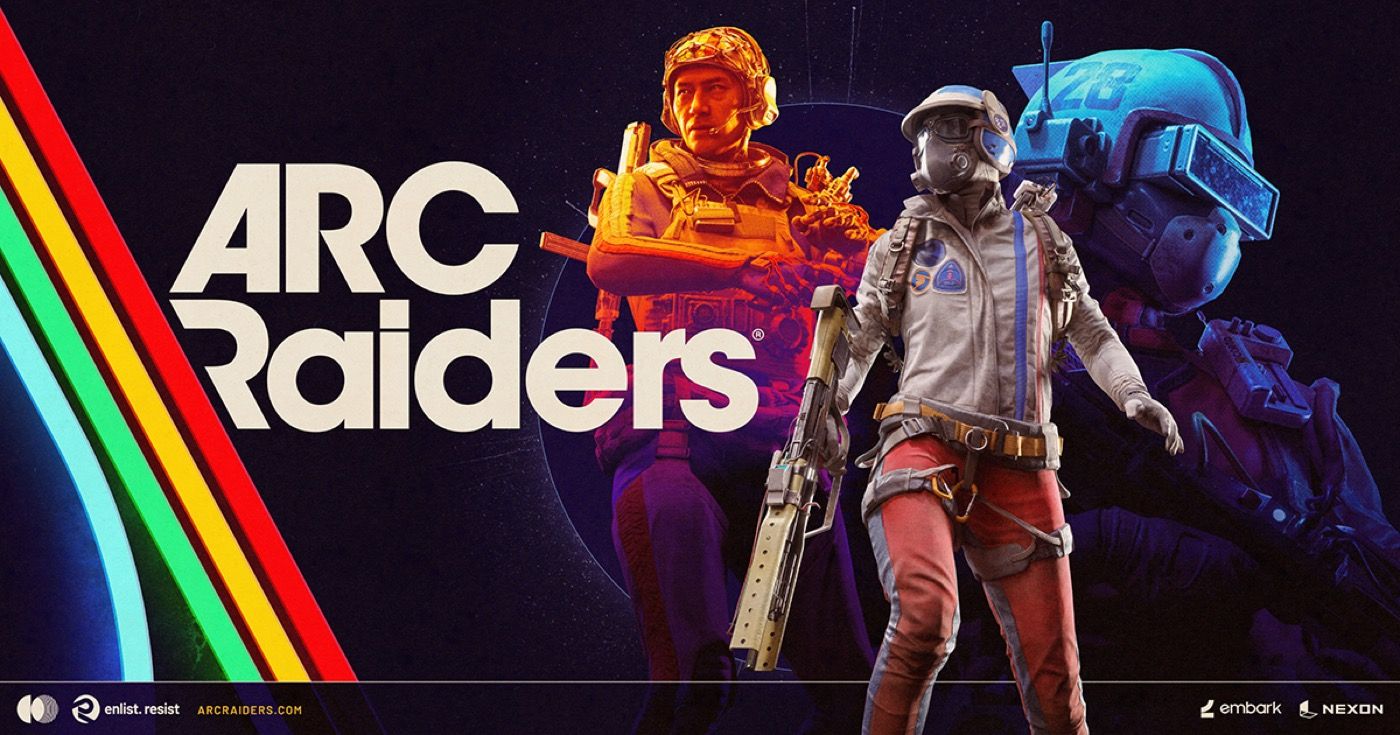
ARC Raiders
Use the official community as a starting point for squad planning, update context, player questions, and creator discussion around life beyond the Rust Belt.
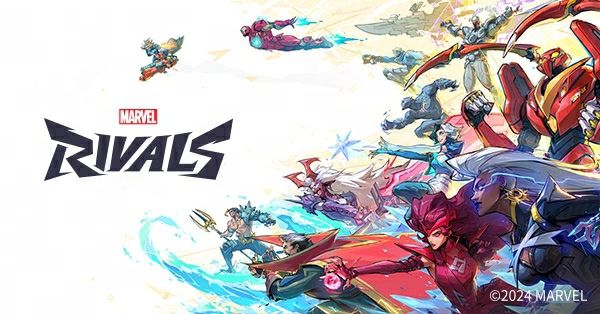
Marvel Rivals
Use the official Marvel Rivals community for source context, hero and team discussion, player finding, and competitive preparation across supported platforms.